Apple Health · Bluetooth smart rings

Your ring's health data.
Yours alone.

A private bridge from your smart ring to Apple Health. No account, no servers, no third-party cloud.

Now in public beta · iPhone via TestFlight

Raw measures
  • Heart rate
  • HRV
  • Sleep
  • Steps
  • Blood oxygen
  • Skin temperature
Computed on-device (optional)
  • Resting heart rate
  • Workout detection
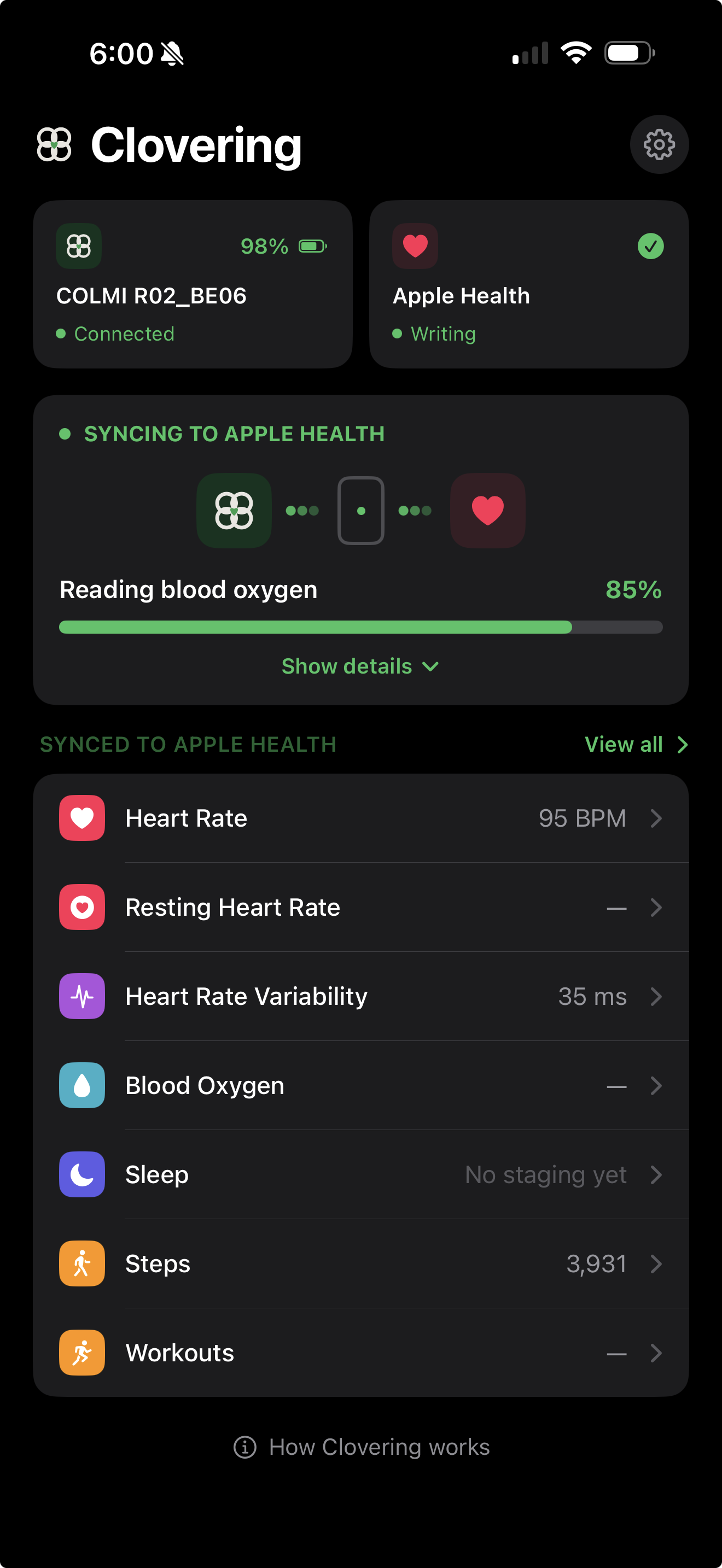
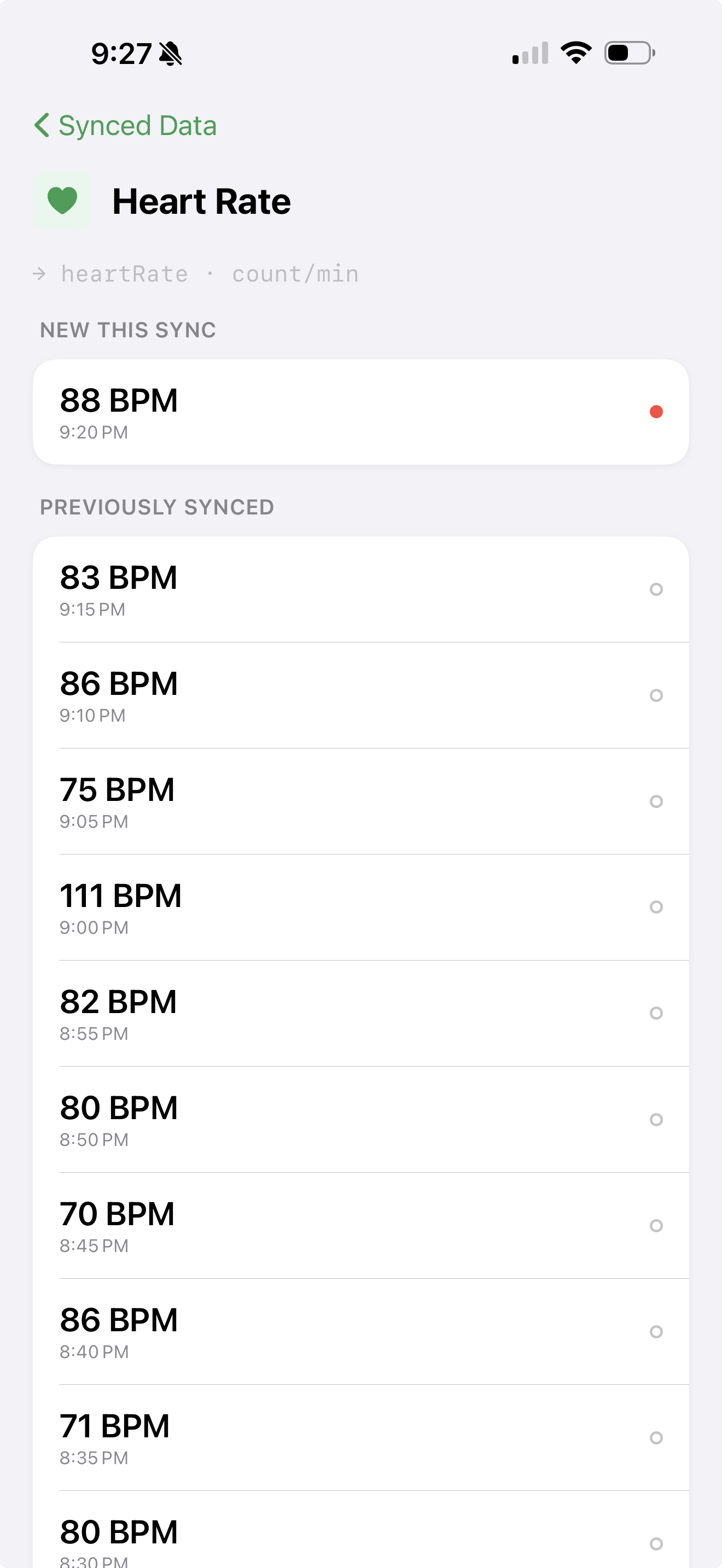
  • Heart rate Roughly every 5 minutes
  • Resting heart rate
  • Heart rate variability
  • Sleep
  • Steps & activity
  • Blood oxygen
  • Skin temperature COLMI models R09 and R10 only
  • Workouts Auto-detected after the fact, from lower-rate data
  • ECG
  • GPS workout routes
  • Fall detection

Clovering covers your everyday biometrics; an Apple Watch adds a few features that need extra hardware.

What Clovering is

A simple data bridge: your smart ring does the measuring, Clovering simply moves the readings into Apple Health.

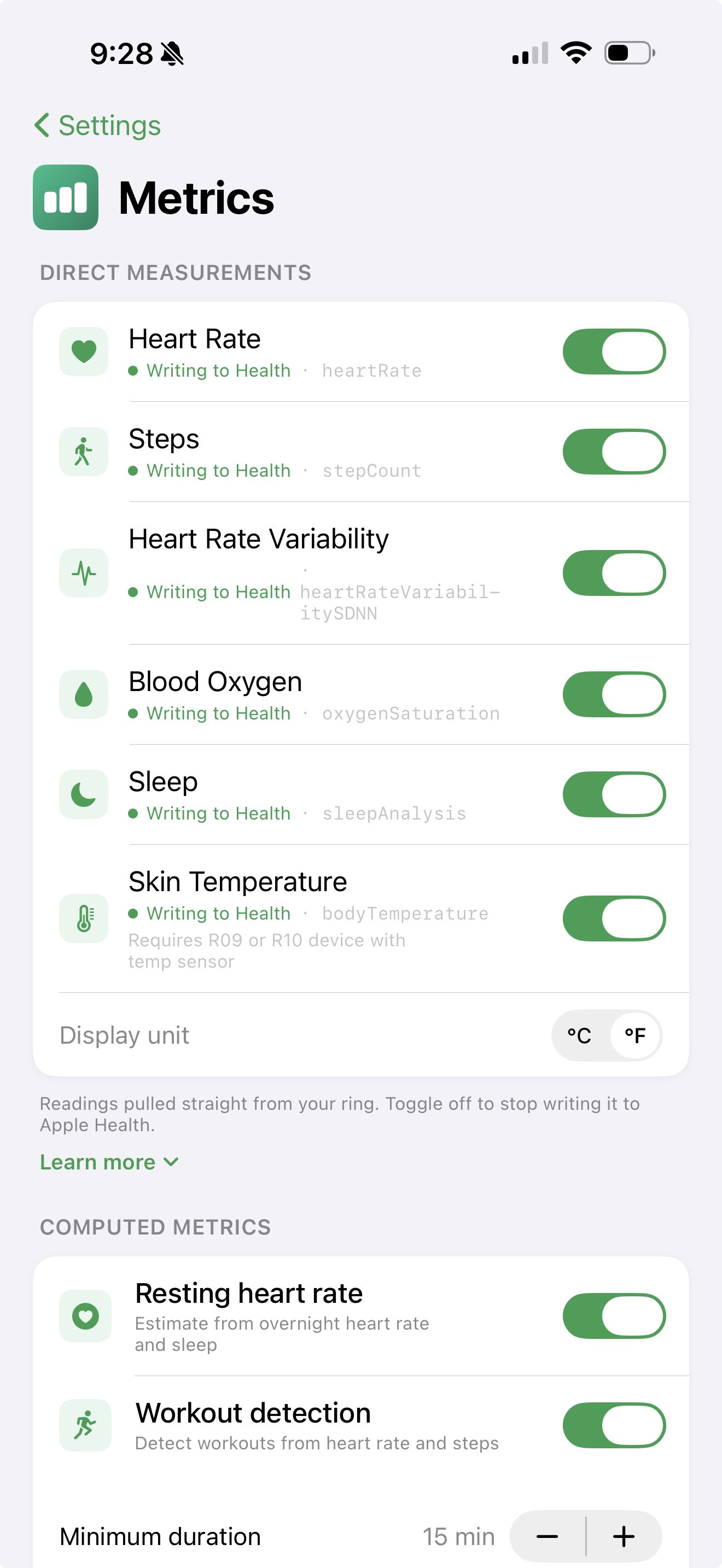
Clovering settings showing per-metric toggles for what gets written to Apple Health

Privacy isn't a setting. It's the architecture.

Most wearables route your personal biometric data through their own cloud. Clovering routes it directly to Apple Health fully on device. We can't see your data, by design.

Your data is yours. Clovering has no servers, no account, and no cloud sync. The app writes your readings straight into Apple Health on your iPhone, with no network connection and nothing sent to us or any third party. Any iCloud sync is Apple's to handle, end-to-end encrypted and under your control.

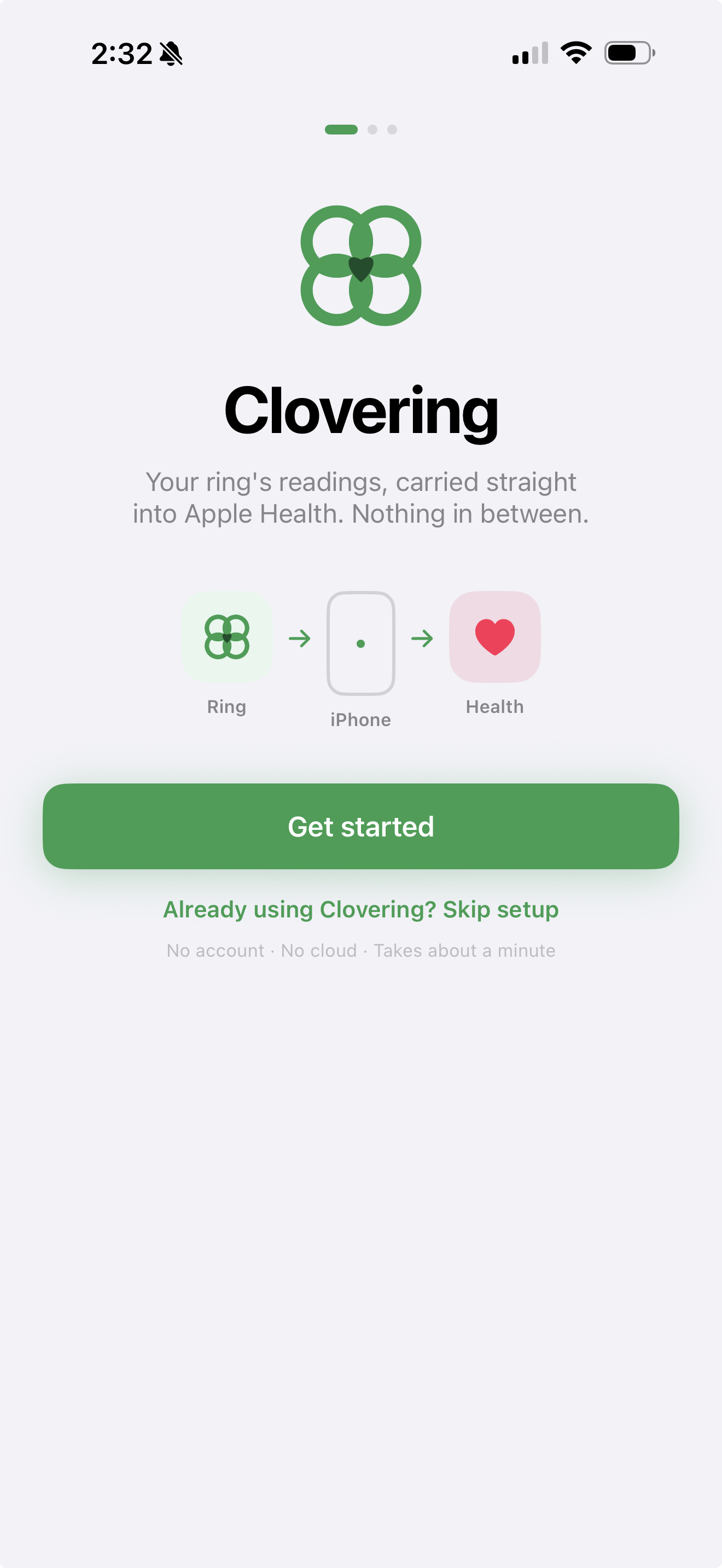
Clovering welcome screen shown when you first open the app

Try Clovering now

Clovering is in open beta on TestFlight. Install Apple's free TestFlight app, tap the button, and you'll have it on your iPhone in a couple of minutes.

Requires iPhone · Free TestFlight app · No account needed.

Clovering is free and built by one person. If it's been useful, you can buy me a coffee — entirely optional.